Help Center
FAQ for Webinar Studio Rentals
Search answers, expand the accordion, or send a quick question. We keep the details practical: booking, setup, add-ons, changes, and support.
Need quick timing?
This mini timer helps keep your rehearsal on track.
Default is 10 minutes. Starts once, pauses/resumes on Start.
How do I book a webinar studio session?
Availability, lead time, and confirmations.
How do I book a webinar studio session?
Availability, lead time, and confirmations.
Use our contact page to request a date and time window. We’ll reply with a schedule option, tech checklist, and a confirmation message once the slot is reserved.
- Typical lead time: 24–72 hours (faster options may be available).
- You can hold a slot pending payment confirmation (time-limited).
- We recommend a 30-minute rehearsal for first-time streaming.
Do you require a deposit or full prepayment?
Invoices, payment terms, and confirmations.
Do you require a deposit or full prepayment?
Invoices, payment terms, and confirmations.
For most sessions, we confirm a reservation after prepayment. For recurring clients or corporate bookings, we can arrange invoicing with agreed terms.
If you need a specific invoice format, mention it when you submit the request.
Can I reschedule or cancel? What’s your policy?
Change windows and how we handle late changes.
Can I reschedule or cancel? What’s your policy?
Change windows and how we handle late changes.
We can reschedule depending on availability. The earlier you notify us, the more options we can offer.
- Reschedule requests are best made at least 48 hours in advance.
- Same-day changes may be possible but aren’t guaranteed.
- For cancellations, terms depend on the production scope and reserved staff time.
What is included in the base studio setup?
Cameras, lighting, audio, and monitoring basics.
What is included in the base studio setup?
Cameras, lighting, audio, and monitoring basics.
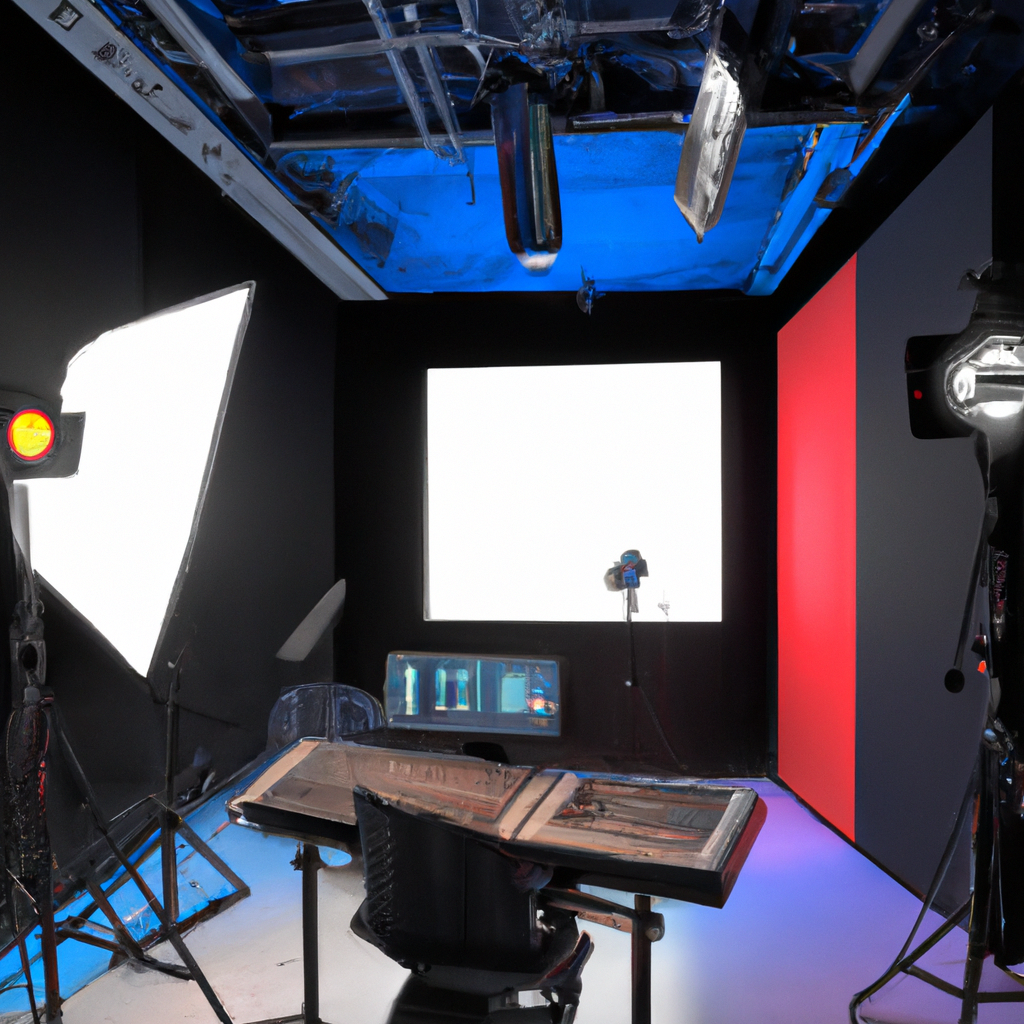
Base setups typically include a lighting scene, a primary camera angle, clean audio capture, and a monitor for presenter confidence. Add-ons can include additional cameras, teleprompter, custom backgrounds, and a dedicated operator.
Tell us your format (talk, demo, interview, webinar) and we’ll propose the optimal arrangement.
Can you stream to Zoom, YouTube, or multiple platforms at once?
RTMP, conferencing, and simulcasting.
Can you stream to Zoom, YouTube, or multiple platforms at once?
RTMP, conferencing, and simulcasting.
Yes. We support common webinar workflows (Zoom/Webex/Teams) and RTMP streaming (YouTube, LinkedIn, etc.). Simulcasting is possible depending on your platform credentials and desired overlays.
- Bring your stream keys / host access as needed.
- We can add lower thirds and simple scene switching.
- We recommend a network check and a short rehearsal.
Can I bring my own laptop, slides, or guests?
Compatibility, adapters, and visitor limits.
Can I bring my own laptop, slides, or guests?
Compatibility, adapters, and visitor limits.
Yes. Most clients bring slides and a laptop. For smooth setup, bring HDMI/USB‑C adapters and have files locally available.
Guest count depends on your selected setup and room capacity. If you plan an audience or panel, tell us early to arrange microphones and seating.
Do you issue receipts/invoices and what details do you need?
Billing details checklist.
Do you issue receipts/invoices and what details do you need?
Billing details checklist.
We can provide receipts and invoices. Share your legal name/company name, billing address, and preferred contact email.
For time-sensitive accounting, request invoice details at least one business day before the session.
What happens if the internet drops during the stream?
Mitigation and fallback strategies.
What happens if the internet drops during the stream?
Mitigation and fallback strategies.
We plan around stability: pre-stream checks, bitrate recommendations, and contingencies. If a drop happens, we immediately attempt reconnection and keep local recording running (when configured) so you can publish a clean version later.
- We can set a backup network route for critical sessions (by request).
- We recommend recording a master copy locally.
- For platform outages, we can switch destinations if credentials are ready.
How early should I arrive and what should I bring?
Arrival time and essentials for a smooth session.
How early should I arrive and what should I bring?
Arrival time and essentials for a smooth session.
Plan to arrive 20–30 minutes early for setup and audio checks. For complex formats (guests, demos, multiple scenes), 45–60 minutes is better.
- Slides/video assets (preferably offline copy).
- Login credentials for your streaming/webinar platform.
- Any brand guidelines (logo, colors, lower-third text).
Is overtime billed, and how is it calculated?
Buffer time, rounding, and operator time.
Is overtime billed, and how is it calculated?
Buffer time, rounding, and operator time.
Overtime is billed when a session extends beyond the reserved window and staff are kept on. Billing is typically calculated in agreed increments.
If you anticipate running long, tell us early so we can plan staffing and avoid schedule conflicts.
Can you provide teleprompter or remote guest integration?
Add-ons for smoother delivery and interviews.
Can you provide teleprompter or remote guest integration?
Add-ons for smoother delivery and interviews.
Yes. Teleprompter availability depends on your date and configuration. Remote guests can be integrated via conferencing tools or dedicated capture workflows, with audio sync checks before going live.
For remote guests, we’ll send a short pre-call checklist (headphones recommended, stable connection, quiet room).
No results
Try different keywords, switch category chips, or submit a question via Quick Ask.
Still unsure about your setup?
Get a tailored checklist for your webinar format and platform.